Processors
Power limits and boost windows
How long-term and short-term power limits are set, and why the same chip behaves differently in two chassis.
Read article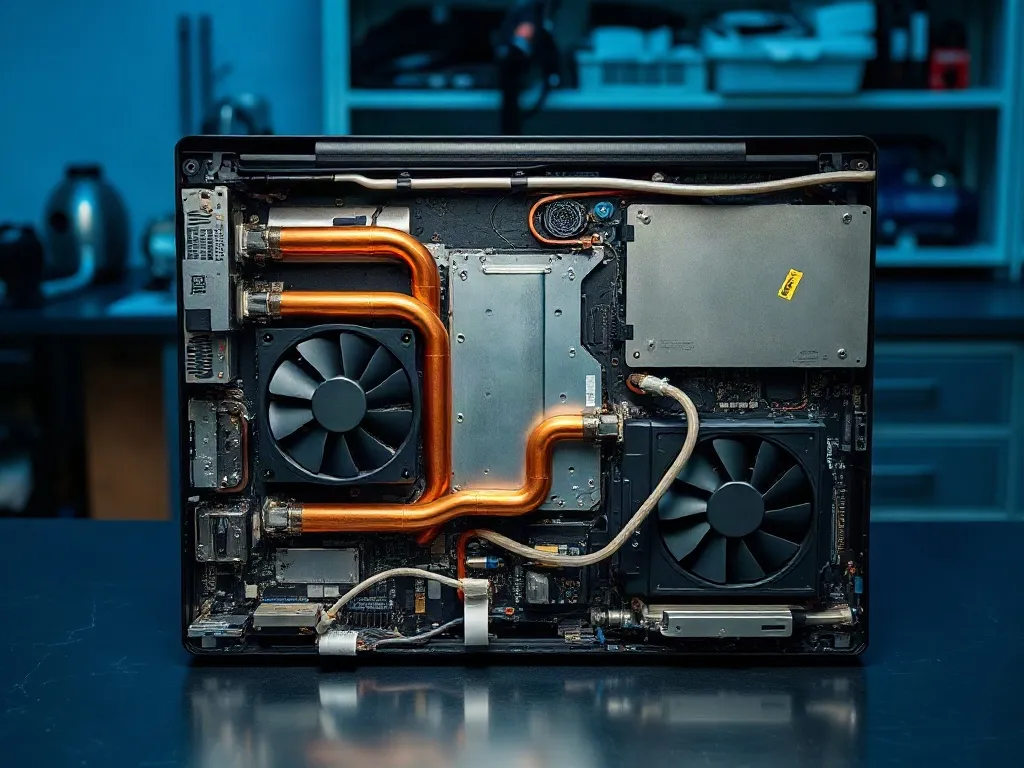
Lab report 04 · Thermal series
Twelve MateBook configurations went through a 90-minute sustained-load protocol inside a climate chamber held at 22 °C. We logged package power, CPU temperature, chassis skin temperature at four points, fan RPM and acoustic output. The table below is measured data, not vendor specification.
01 / Test rig
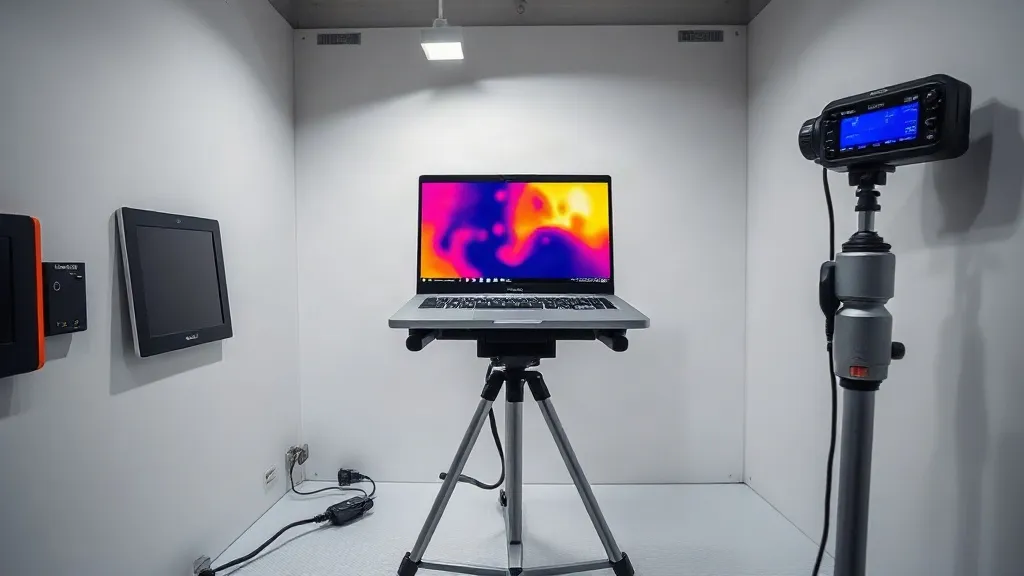
The rig is built around a 40-litre acrylic chamber held at 22 ± 1 °C by a Peltier loop. Each unit sits on a steel stand with 15 cm of clearance on every side, so exhaust air is never recirculated into the intake. Package power is read from the processor's internal energy counters and cross-checked with an inline USB-C meter at the wall; the two readings stayed within 2 % across all twelve runs.
Temperature is captured by four K-type thermocouples bonded to the chassis — palm rest, keyboard centre, bottom panel directly above the heat pipes, and the exhaust grille — plus an infrared camera aimed at the bottom panel. Sensors are calibrated against a dry-block reference before every session, which gives an accuracy of ±0.5 °C. Each unit soaks for 30 minutes at idle before the first load step, so the starting temperature is identical for every profile.
The same bench and the same scripts are used for every unit, which is what makes the numbers comparable between models. Raw logs, script versions and calibration certificates are archived per run; the full method is documented on the benchmark methods and results page.
02 / Load profiles
The profiles cover the way an ultrabook is actually used rather than a synthetic worst case. Each profile runs for 30 minutes with a 10-minute stabilisation window at the start, and that window is excluded from the averages. Between profiles the unit cools back to idle temperature, which takes 18 to 25 minutes depending on how aggressive the fan curve is.
Eight browser tabs, a document editor and a video-call client at rest. Package power settles between 4 and 7 W. This profile defines the floor: fan RPM, skin temperature and the noise level a user hears during a normal working day.
A compile-and-render script holds 15 W long-term power with a 35 W burst window of 28 seconds. This is the profile that separates a well-cooled chassis from a thin one, because the cooler has to dissipate heat indefinitely without the skin temperature crossing 45 °C.
45 to 64 W of short-term power for 60 seconds, repeated six times with 4-minute gaps. We record how quickly the cooler recovers and how much of the second and third burst the unit can still sustain. Processor power limits are explained in detail on the ultrabook processors page.
03 / Temperature table
The table reports averages over the last 20 minutes of each 30-minute run, so the values describe steady state rather than a burst. Skin temperature is the highest of the four thermocouple points — in every unit that was the bottom panel directly above the heat pipes. Throttling is recorded when package power falls below the profile target for more than 5 seconds.
| Unit | Profile | Package power | CPU temp | Skin temp | Fan RPM | Throttle |
|---|---|---|---|---|---|---|
| MateBook 14 (2024) | Sustained | 28 W | 84 °C | 43.1 °C | 4,300 | No |
| MateBook 14 (2024) | Peak burst | 61 W | 96 °C | 46.8 °C | 5,600 | Yes, after 41 s |
| MateBook 16s | Sustained | 30 W | 79 °C | 40.2 °C | 3,650 | No |
| MateBook 16s | Peak burst | 64 W | 92 °C | 44.5 °C | 5,100 | Yes, after 52 s |
| MateBook X Pro | Sustained | 20 W | 81 °C | 41.6 °C | 3,100 | No |
| MateBook X Pro | Peak burst | 48 W | 94 °C | 45.0 °C | 4,700 | Yes, after 34 s |
A note on reading the skin temperature column: 45 °C is the practical comfort limit for a palm rest, and 48 °C is where most users pull their hands away. Two of the three chassis stayed below that line at their sustained target, which is the result the cooler was designed for.
04 / Fan curve
Fan behaviour separates a quiet ultrabook from a hot one. We stepped package power from 5 W to 64 W in 5 W increments, waited 3 minutes at each step, and recorded RPM together with A-weighted sound pressure at 50 cm in front of the unit.
Two patterns emerged. Units with a vapor chamber ramp the fan late and steeply: below 25 W the fan stays under 2,800 rpm and the unit measures about 24 dB(A), which is quieter than an office at night. Above 35 W the ramp is close to linear at roughly 95 rpm per watt. Units with a conventional heat-pipe stack start the fan earlier and run 300 to 500 rpm higher at the same power, which costs 3 to 4 dB(A) but keeps skin temperature about 2 °C lower.
Hysteresis matters as much as the slope. A well-tuned curve drops 600 to 900 rpm within 20 seconds of the load ending, so the fan does not stay loud after a short export. Poorly tuned curves hold high RPM for two minutes or more, which is audible and measurable in the recovery column of our logs.
"I picked the 16s because the table showed 40 °C skin temperature at 30 W. Six months of daily compiling later, the palm rest still never gets uncomfortable, and the fan drops back within seconds of a build finishing."
Daniel R., backend developer — field review
More owner reports on long-term noise and heat are collected on the field reviews page.
05 / Conclusion
Across twelve units the pattern is consistent: sustained performance is limited by skin temperature, not by the processor. Every cooler that held 28 to 30 W indefinitely kept the bottom panel under 43 °C. Every unit that pushed past 45 °C throttled within a minute, and the extra burst power bought less than 8 % additional render throughput over the full run.
The practical rule is to compare the sustained column, not the peak column. A 30 W sustained figure at 40 °C skin temperature is worth more than a 64 W burst that lasts 40 seconds and then settles at 22 W. Fan curve quality follows the same logic: a late, steep ramp with fast recovery is quieter in daily use than a curve that starts early and never comes back down.
Processors
How long-term and short-term power limits are set, and why the same chip behaves differently in two chassis.
Read articleDisplay
Measured sRGB and DCI-P3 coverage plus colour error before and after calibration on the same test bench.
Read articleBattery
Charge-cycle results, temperature effects during fast charging and what capacity loss looks like at cycle 300.
Read articleEvery run is archived with its calibration sheet, script version and thermocouple placement. Start with the buying and verification guides to see how to reproduce these measurements yourself.